
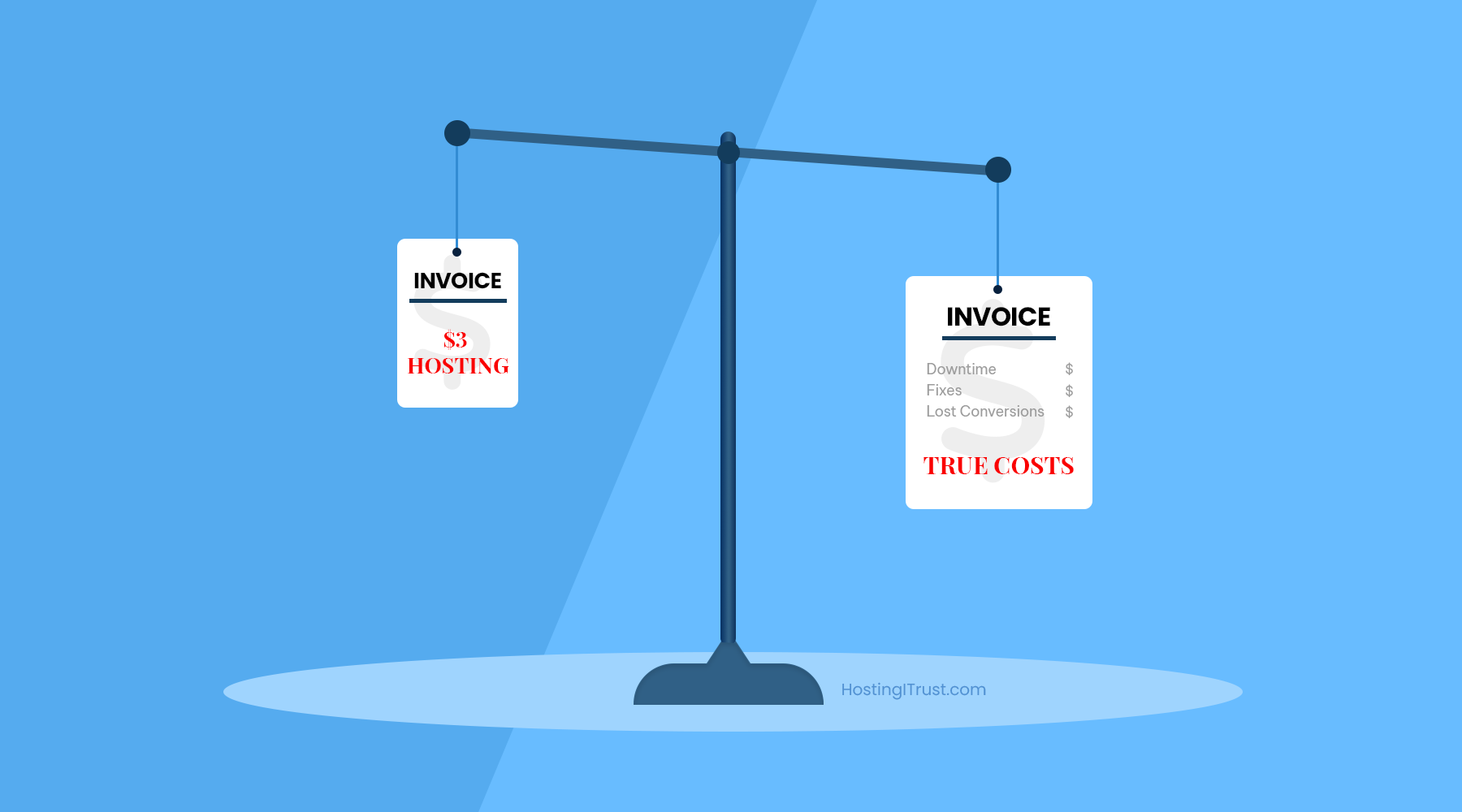
The price tag is small. The bill isn’t.
Cheap hosting exists for a reason: it lets anyone get online for a few dollars a month. For a hobby project or a throwaway landing page, that can be perfectly fine. But for a business—where every click, call, and cart matters—the “savings” are usually an illusion. What looks like $3 a month often shows up later as lost conversions, firefighting time, and paid fixes you didn’t plan for.
This article walks through those hidden costs in plain language, shows how they creep in, and offers a simple way to decide when “cheap” is actually expensive.
Where the money leaks (even if your invoice is tiny)
On budget platforms, your site competes for CPU, RAM, and disk with hundreds (sometimes thousands) of other accounts. When neighbors spike traffic or run heavy scripts, your site slows down or stalls. That performance hit ripples into SEO, ads, and conversion. Then come the limits—inode caps, throttling, email blacklists, “no support for that” replies—and suddenly you’re paying with time.
A few common leak points:
- Speed and conversions. Slow pages don’t just irritate people; they convert less. A site that feels sluggish on mobile quietly taxes your marketing spend and SEO work.
- Downtime and throttling. Lower uptime guarantees and aggressive resource caps translate into lost hours—often when you’re running a campaign.
- Security incidents. Shared servers with weak isolation, out-of-date PHP, or delayed patching mean malware cleanups, blacklisted pages, and emergency dev bills.
- Backups and restores. “We keep weekly backups” is not the same as “we restore you in minutes.” Cheap tiers often charge for on-demand restores or don’t keep off-site copies.
- Support that can’t help. Generic front-line support scripts waste time. When you finally reach someone technical, the clock (and your anxiety) has already run.
- Email deliverability. Shared IPs get abused. Your contact form confirmations end up in spam and you don’t know until a lead complains.
- Migration and lock-in fees. Getting off the bargain host later can cost you more—especially if you need help to move without losing SEO.
A quick, real-world TCO check
Here’s a simple way to sanity-check “cheap” vs “managed” using conservative numbers.
Assume:
- 5,000 visits/month, 2% conversion rate, $50 value per conversion
- Cheap host uptime: 99.5% (0.5% downtime)
- Managed host uptime: 99.95% (0.05% downtime)
Downtime math (30-day month = 43,200 minutes):
- Cheap: 0.5% of 43,200 = 216 minutes (~3h 36m)
- Managed: 0.05% = 21.6 minutes
- Difference: 194.4 minutes of extra outage on cheap hosting
Even without precise revenue per hour, that’s almost 3¼ extra hours each month where ads run, visitors bounce, and support apologizes.
Speed drag (illustrative):
If slow pages shave conversions from 2.0% to 1.5%:
- 5,000 visits × (2.0% → 1.5%) = 25 fewer conversions
- 25 × $50 = $1,250 lost—per month
That dwarfs the “saving” between $3 and $35–$75 managed plans. You don’t need exact figures to see the direction: small speed and uptime gaps compound into large outcomes.
Why “cheap” feels cheap: the technical fine print
The marketing page says “unlimited.” The control panel says otherwise. Most bargain plans use policies that keep servers alive but quietly punish busy sites:
- CPU/IO throttling when your process touches limits; pages time out under bursts.
- Inode caps that block uploads long before you “run out of storage.”
- Outdated PHP because mass upgrades risk breaking thousands of accounts at once.
- One-click backups that take hours to restore—or restore to yesterday’s snapshot.
- No staging—so updates happen live, and mistakes go live too.
Individually, these are nuisances. Together, they form a tax on growth.
When cheap hosting is perfectly fine
Not every site needs a managed stack. You can (and should) keep costs low when the stakes are low.

Use budget hosting if you’re running:
- A personal blog or static brochure site with a handful of pages
- A short-lived campaign or microsite
- A dev/sandbox install for your own experiments
If any of these change—traffic climbs, you start advertising, you collect leads or payments—treat hosting like infrastructure, not a coupon.
What you actually pay for with managed hosting
Managed hosting isn’t about fancy dashboards. It’s about fewer unknowns and faster recovery when things wobble.
You should expect:
- Speed by design: tuned PHP 8.x with OPcache, page + object cache, CDN, modern compression, responsive media.
- Real backups: daily/off-site with quick, point-in-time restores (minutes, not hours).
- Security envelope: WAF, malware scanning/removal, proactive patching, least-privilege access.
- Staging and safe updates: changes tested before they go live; rollbacks ready.
- Human help that knows WordPress: someone who can read logs, profile queries, and fix root causes—not just clear cache.
That’s the difference between “hoping it holds” and “knowing it will.”
Also read: How to Choose a Managed WordPress Hosting Provider: 12 Things to Check
A buyer’s checklist (short, practical)
When you evaluate a host, ask for plain answers to these:
- What’s your measured uptime over the last 6 months, and what’s the SLA?
- Do you support PHP 8.x, Redis/object cache, and HTTP/2+?
- How fast can you restore a single site from a backup?
- Is staging included, and are updates tested there first?
- What’s your response time for urgent tickets?
- Do you help with malware cleanup and migration—at no extra charge?
If the answers are vague or pushy, that’s the cost—paid later.
The HostingITrust approach
We built our stack for the sites we run ourselves: performance first, recovery second, calm everything else. That means:
- Server-level caching + Redis, tuned PHP 8.x, Brotli compression, CDN integration
- Daily off-site backups with quick restores and quarterly drills
- Staging and staged updates with rollbacks
- WAF, malware scanning/removal, header hardening
- 24/7 monitoring and real humans who actually work with WordPress
If you’re ready to move from “cheap” to cost-smart, we’ll migrate you and tune the site so it’s faster on day one.
Conclusion
Cheap hosting lowers a line item and raises your risk. For small businesses, that trade rarely makes sense. If your website attracts customers, processes payments, or feeds sales, the real cost isn’t the monthly fee—it’s the friction you don’t see until it hurts.
Ready to see the difference? Get Fully Managed WordPress Hosting with migration included.
Leave a Reply